Digital Coupon Directory

[rs_space lg_device=”45″ md_device=”” sm_device=”30″ xs_device=””]

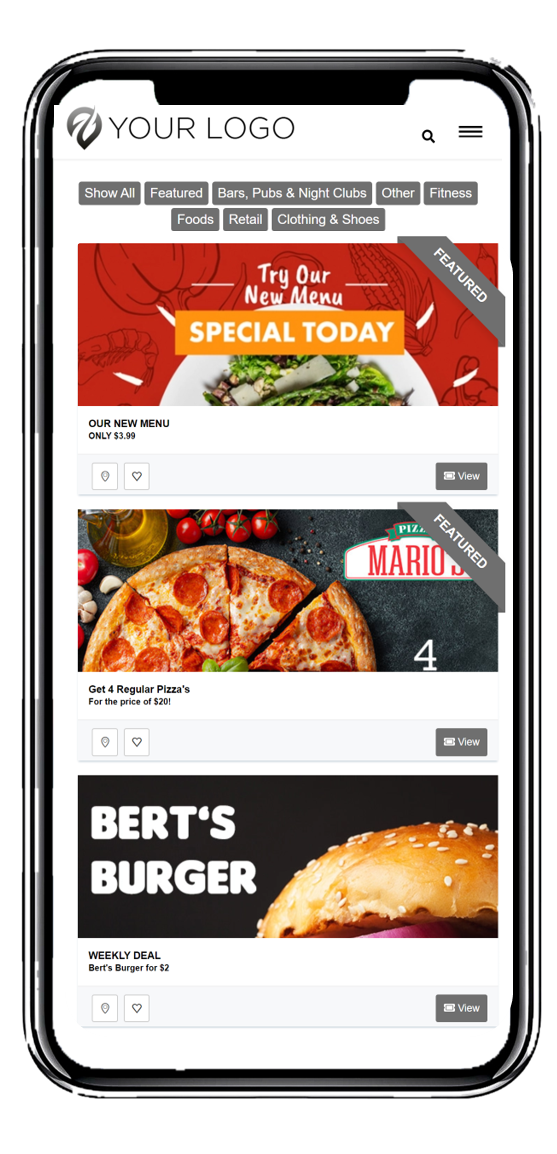
A coupon directory is basically a digital coupon book or coupon catalog.

With the coupon directory, you can:

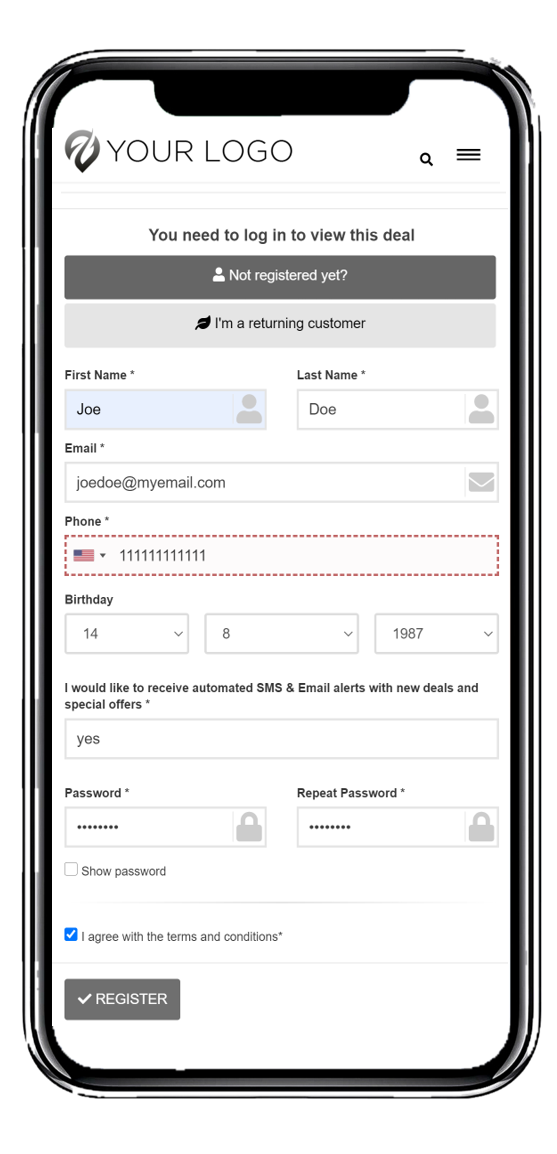
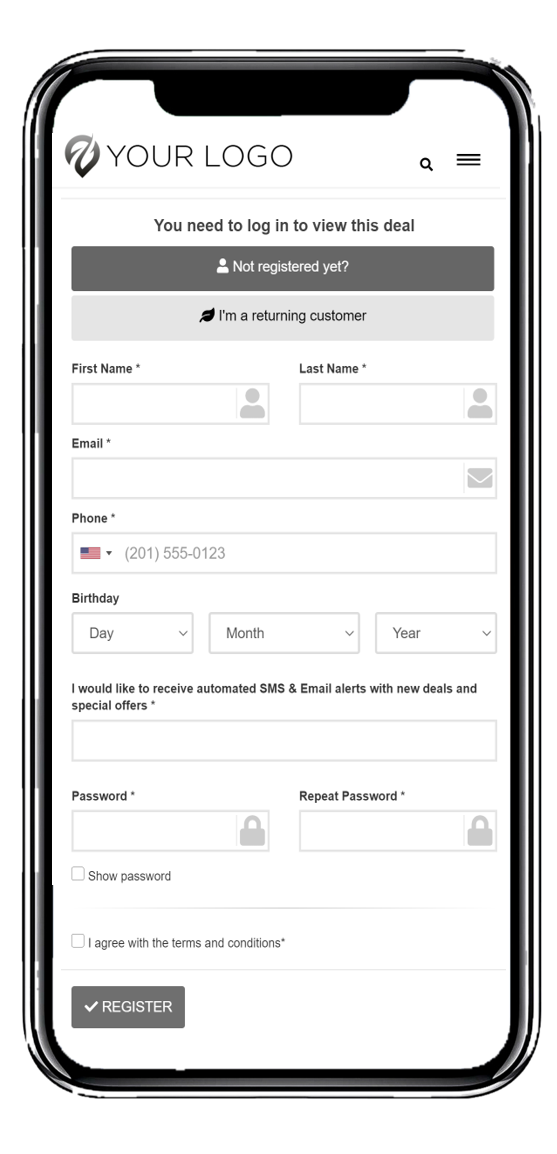
Setup a registration for your customers

Setup a payment system. This means that before users want to see the coupons, they will have to pay first. There are several ways to this. Either let them pay daily, weekly, monthly, yearly, or do a one-time payment to access the directory.

Completely customize the coupon directory the way you want it to be
(layout of the coupons, colors, custom categories, etc…).

Integrate it on your website, mobile app, Facebook, WordPress Iframe and Kiosk

[rs_space lg_device=”45″ md_device=”” sm_device=”30″ xs_device=””]
[rs_space lg_device=”35″ md_device=”” sm_device=”50″ xs_device=”30″][rs_divider][rs_space lg_device=”95″ md_device=”” sm_device=”50″ xs_device=”30″]

Digital Coupons Directory Features

[rs_space lg_device=”45″ md_device=”” sm_device=”50″ xs_device=”30″]
[rs_space lg_device=”20″ md_device=”” sm_device=”30″ xs_device=””]
[rs_space lg_device=”10″ md_device=”” sm_device=”30″ xs_device=””]

Categories

Categorize your offers within the Directory to improve the user-friendliness.

User registration

Require users to register themselves before accessing the coupon Directory.

[rs_space lg_device=”30″ md_device=”” sm_device=”30″ xs_device=””]

Payment integrations

Set up payment integrations for your Mobile Coupon Directory to ask for a registration fee or sell prepaid offers and vouchers.

[rs_space lg_device=”10″ md_device=”” sm_device=”30″ xs_device=””]

GPS location

Display a full-screen maps integration so customers effortlessly find their way to your location.

Easy distribution

Integrates perfectly in your existing website, Social Media Channels, app or kiosk.

[rs_space lg_device=”30″ md_device=”” sm_device=”30″ xs_device=””]

Search Functionality

Customers can browse within the coupon Directory to find their favorite deals.

[rs_space lg_device=”30″ md_device=”” sm_device=”30″ xs_device=””][rs_space lg_device=”30″ md_device=”” sm_device=”30″ xs_device=””][rs_space lg_device=”30″ md_device=”” sm_device=”30″ xs_device=””][rs_space lg_device=”30″ md_device=”” sm_device=”30″ xs_device=””][rs_space lg_device=”30″ md_device=”” sm_device=”30″ xs_device=””]
[rs_space lg_device=”40″ md_device=”” sm_device=”50″ xs_device=”30″]

Digital Coupons Directory Marketing

[rs_space lg_device=”30″ md_device=”” sm_device=”50″ xs_device=”30″]
[rs_icon_box style=”type-2″ icon=”lnr lnr-smartphone” color=”color-2″ heading=”Digital Coupons” icon_box_link=”url:https%3A%2F%2Fclearline-me-old.growthm8.com%2Fdigital-coupons-details%2F|title:Digital%20Coupons%203||”]Connect with your audience through digital coupons and trigger conversions.[/rs_icon_box][rs_space lg_device=”40″ md_device=”” sm_device=”” xs_device=””][rs_icon_box style=”type-2″ icon=”lnr lnr-pushpin” color=”color-2″ heading=”Digital Vouchers” icon_box_link=”url:https%3A%2F%2Fclearline-me-old.growthm8.com%2Fdigital-vouchers-gift-cards%2F|title:Digital%20Vouchers%20%26%20Gift%20Cards2||”]Accept payments through digital vouchers. Either to unlock a discount or a gift card.[/rs_icon_box][rs_space lg_device=”40″ md_device=”” sm_device=”” xs_device=””][rs_icon_box style=”type-2″ icon=”lnr lnr-gift” color=”color-2″ heading=”Digital Loyalty Cards” icon_box_link=”url:https%3A%2F%2Fclearline-me-old.growthm8.com%2Fdigital-loyalty-rewards-cards-2%2F|title:Digital%20Loyalty%20%26%20Rewards%20Cards%20Correct||”]Set up a digital loyalty program and turn visitors into customers.[/rs_icon_box][rs_space lg_device=”40″ md_device=”” sm_device=”” xs_device=””]
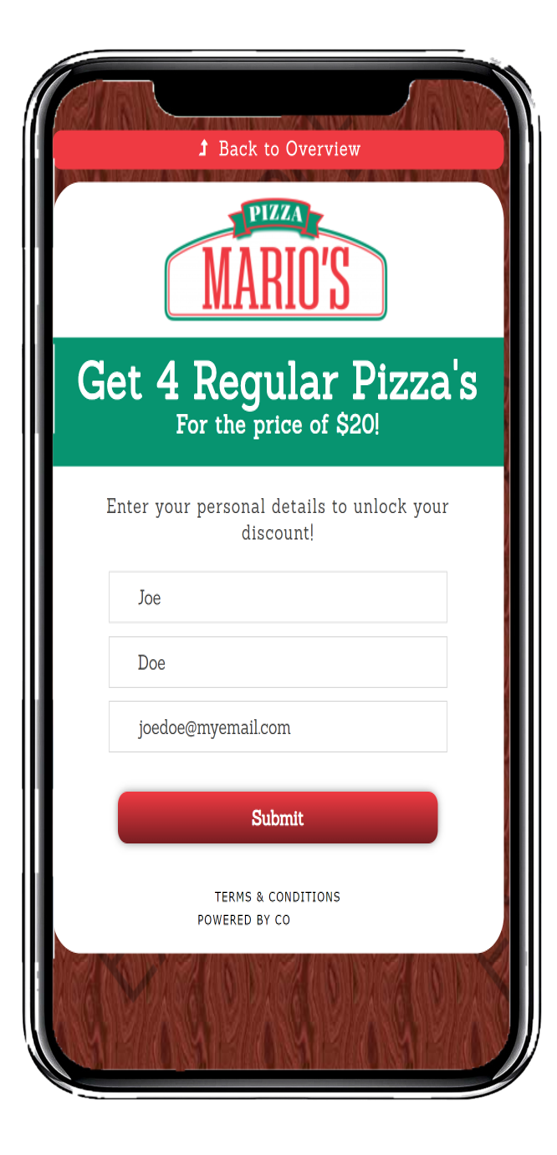
[rs_icon_box style=”type-2″ icon=”lnr lnr-select” color=”color-2″ heading=”Unified Coupon Directory” icon_box_link=”url:https%3A%2F%2Fclearline-me-old.growthm8.com%2Fwebsite-marketing-solutions%2F|title:Website%20Marketing||”]Collect all your digital campaigns in one mobile coupon directory. Publish online, in the mobile app, or Facebook.[/rs_icon_box][rs_space lg_device=”40″ md_device=”” sm_device=”” xs_device=””][rs_icon_box style=”type-2″ icon=”lnr lnr-tablet” color=”color-2″ heading=”Mobile Kiosk” icon_box_link=”url:https%3A%2F%2Fclearline-me-old.growthm8.com%2Fmobile-kiosk%2F|title:Mobile%20Kiosk||”]Interact with venue visitors and let them sent discounts to themselves.[/rs_icon_box][rs_space lg_device=”40″ md_device=”” sm_device=”” xs_device=””][rs_icon_box style=”type-2″ icon=”lnr lnr-bullhorn” color=”color-2″ heading=”SMS & E-Mail Marketing”]Setup a registration for your customers to capture opt-in and easily distribute your digital campaigns using our SMS & E-mail software tools.[/rs_icon_box][rs_space lg_device=”40″ md_device=”” sm_device=”” xs_device=””]
[rs_space lg_device=”20″ md_device=”” sm_device=”30″ xs_device=””]

Start your 7 Days Free Trial!

No Credit Card is Required!

[rs_space lg_device=”40″ md_device=”” sm_device=”50″ xs_device=”30″]

Add your Digital Coupons Directory to the Website or Facebook page.

[rs_space lg_device=”30″ md_device=”” sm_device=”50″ xs_device=”30″]

To add your coupon directory to the website, simply publish and configure your coupon directory and follow simple instructions under the launch tab in your coupon builder.

You will see that you have multiple options to integrate the coupon directory (Mobile app, Website, WordPress Iframe, Kiosk Mode, Facebook Tab).

Simply copy and paste the <iframe> code in your HTML file and your coupon directory is published for you.

Need help with updating your outdated website or to develop a new site with embedded coupons directory? We can help and deliver hosted and managed website or mobile app solutions at affordable prices.

[rs_space lg_device=”30″ md_device=”” sm_device=”30″ xs_device=””]

How to set up a Digital Coupon Directory?

[rs_space lg_device=”30″ md_device=”” sm_device=”30″ xs_device=””]

1. Create Digital Coupon Campaigns

[rs_space lg_device=”10″ md_device=”” sm_device=”30″ xs_device=””]

Create Digital Coupon


Create digital coupon campaigns to publish in the Directory

2. Add Coupons to Directory

[rs_space lg_device=”10″ md_device=”” sm_device=”30″ xs_device=””]

Add Coupons to Directory


Add all desirable campaigns to your Coupon Directory.

3. Configure Digital Directory Settings

[rs_space lg_device=”10″ md_device=”” sm_device=”30″ xs_device=””]

Configure Directory Settings


Carefully set up the Directory settings.

4. Publish Digital Coupons Directory

[rs_space lg_device=”10″ md_device=”” sm_device=”30″ xs_device=””]

Publish Coupons Directory


Add the Directory to your favorite communication channel.
[rs_section_heading small_heading=”Clearline Mobile” big_heading=”What We Do”][rs_space lg_device=”35″ md_device=”” sm_device=”30″ xs_device=””][rs_case_study style=”style2″ cats=”42″ filter=”no”][rs_space lg_device=”35″ md_device=”” sm_device=”30″ xs_device=””][rs_space lg_device=”35″ md_device=”” sm_device=”30″ xs_device=””]
keyboard_arrow_up